I’ve been attending meetups and conferences since 2023, always finding them daunting. This year, I decided to make myself even more uncomfortable by giving a talk.
In January 2025, I attended Google’s Speaker Training Workshop by Zack Akil. I had no plans to speak anytime soon—I was just curious. But it turned out to be one of the best sessions I’ve attended. Zack broke down the mechanics of storytelling in a way that made public speaking feel like a learnable skill, not a personality trait. I left feeling like maybe I could give a talk.
A month later, I was at a Londroid1 event at Monzo’s London office. I got chatting with Carl-Gustaf Harroch, and he mentioned they were looking for speakers. So I reached out—and the organisers kindly accepted my proposal.
By March, I delivered my first tech talk. The topic? Using Kotlin/WASM and Compose Multiplatform to share Android code with existing web applications.
📢 Londroid is happening today!
— Londroid (@londroid) March 20, 2025
📅 20th March | ⏰ 6 PM | 📍 Metro Bank, London
🎤 Talks by:
🔹 Alejandro Saez – Detect, Diagnose, Resolve: Effective Apps Monitoring
🔹 Mohammed Akram Hussain – Compose on the Web
📅 Waiting list available: https://t.co/EFf7syHHtK#Londroid
The Speaking Experience
I’ll be honest—I had no slides, no outline, no structure, no strategy, zero, zip, nadaYes, this is an Endgame reference. No, I’m not sorry.. I spent hours scrambling through YouTube videos, from “how to give a tech talk” to “how to create the best presentation ever”—all without doing any actual work. Classic procrastivity.
Eventually, I pulled together slides, a script, and a live demo. At the venue, Carl came over before the talk and asked if this was my first time. He shared a few tips—small things, but they helped settle my nerves. My voice started out hoarse, but once I got into the material, everything clicked.
What helped was that I was sharing something I’d actually built. It wasn’t theoretical—I’d faced real problems, made real mistakes, and at the time of the talk, hadn’t fully solved them yet.
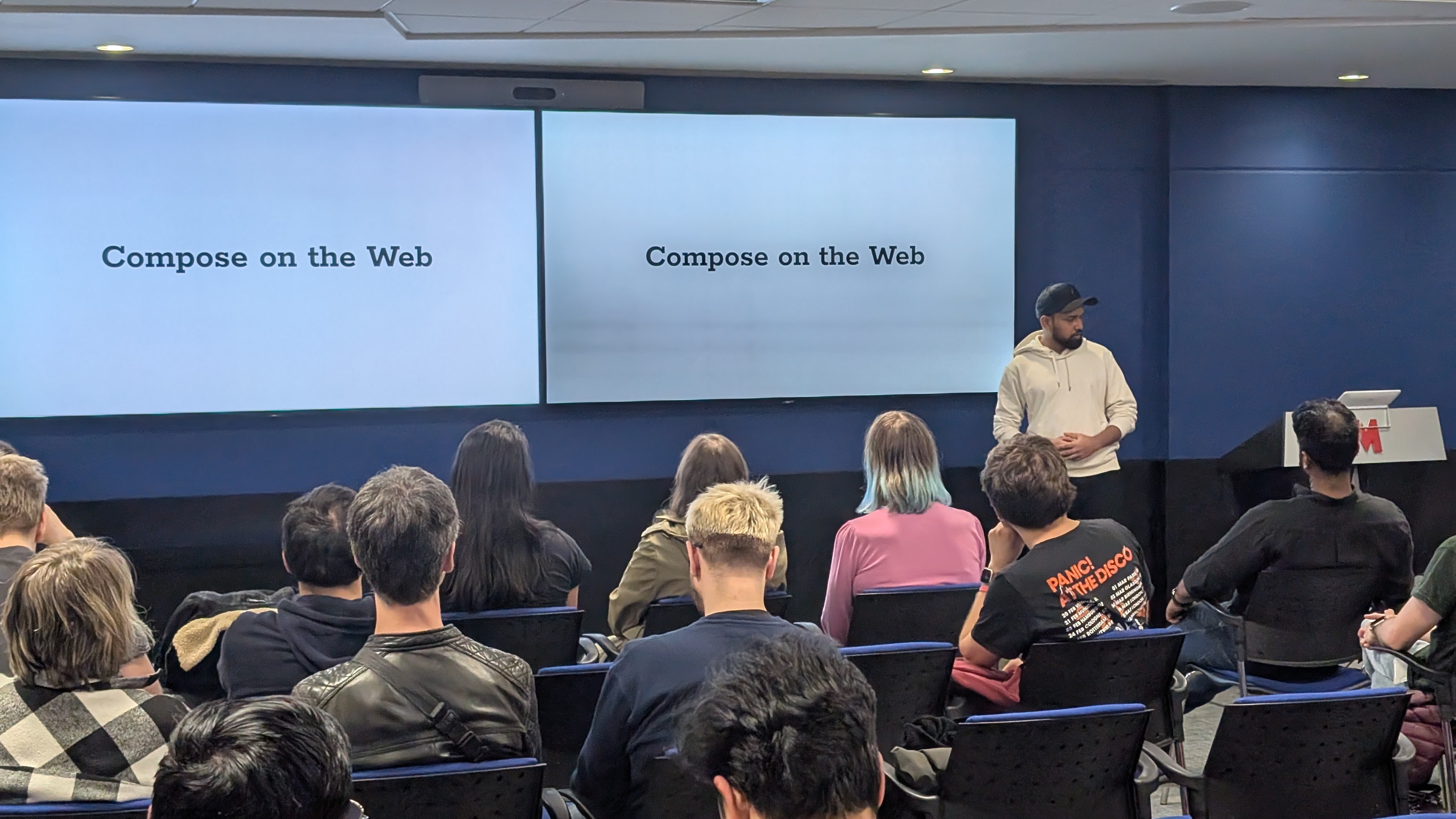
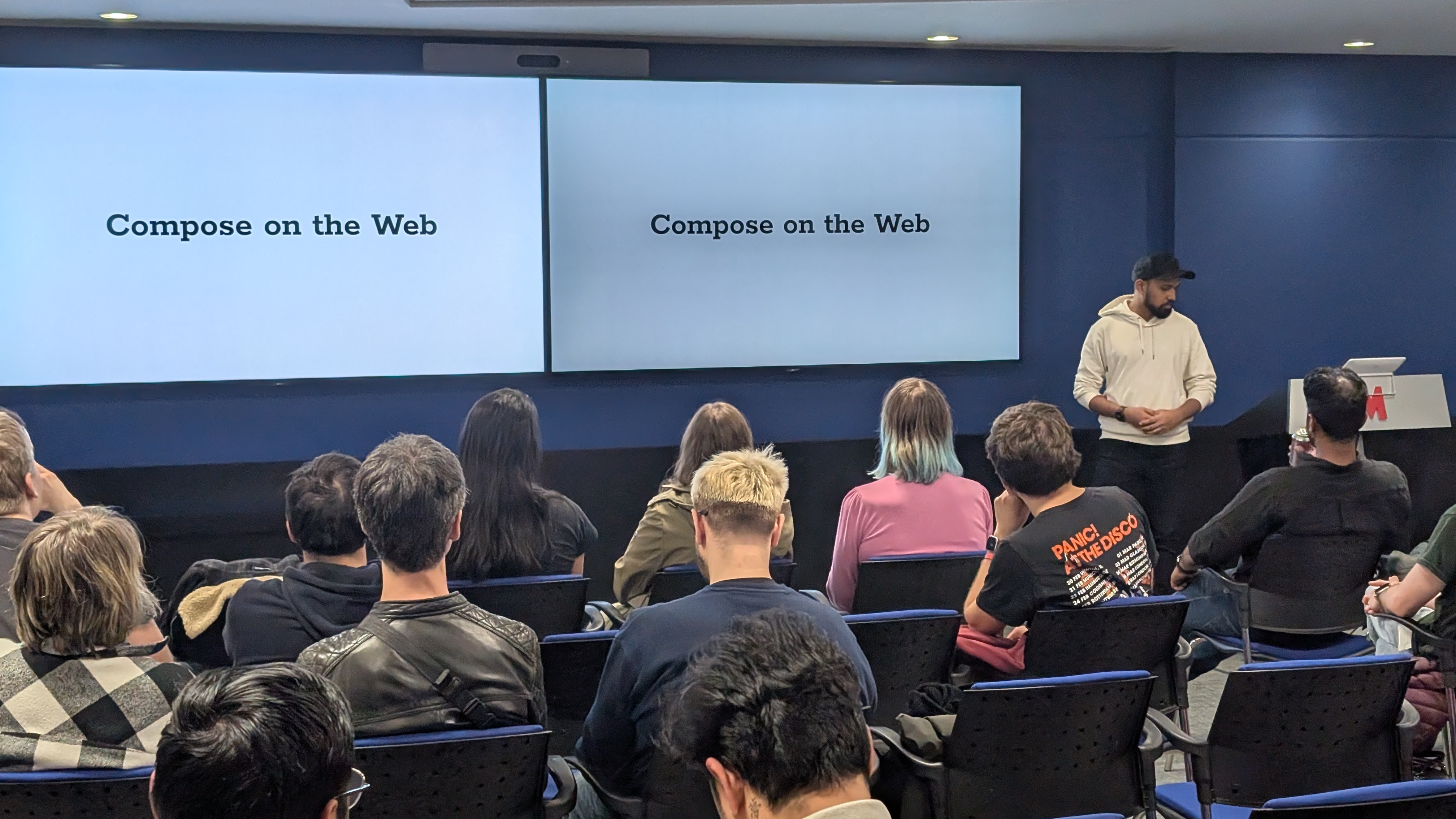
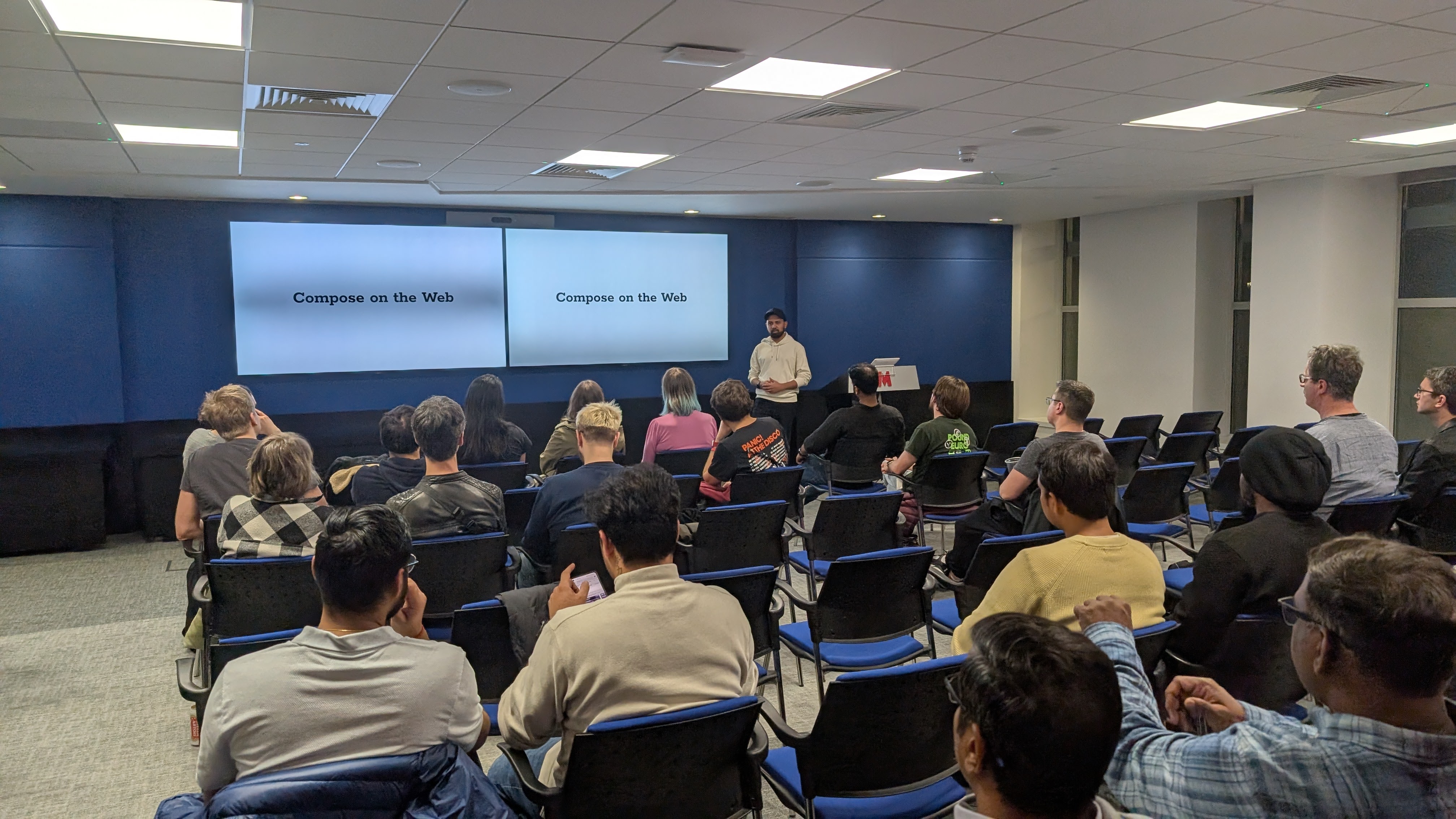
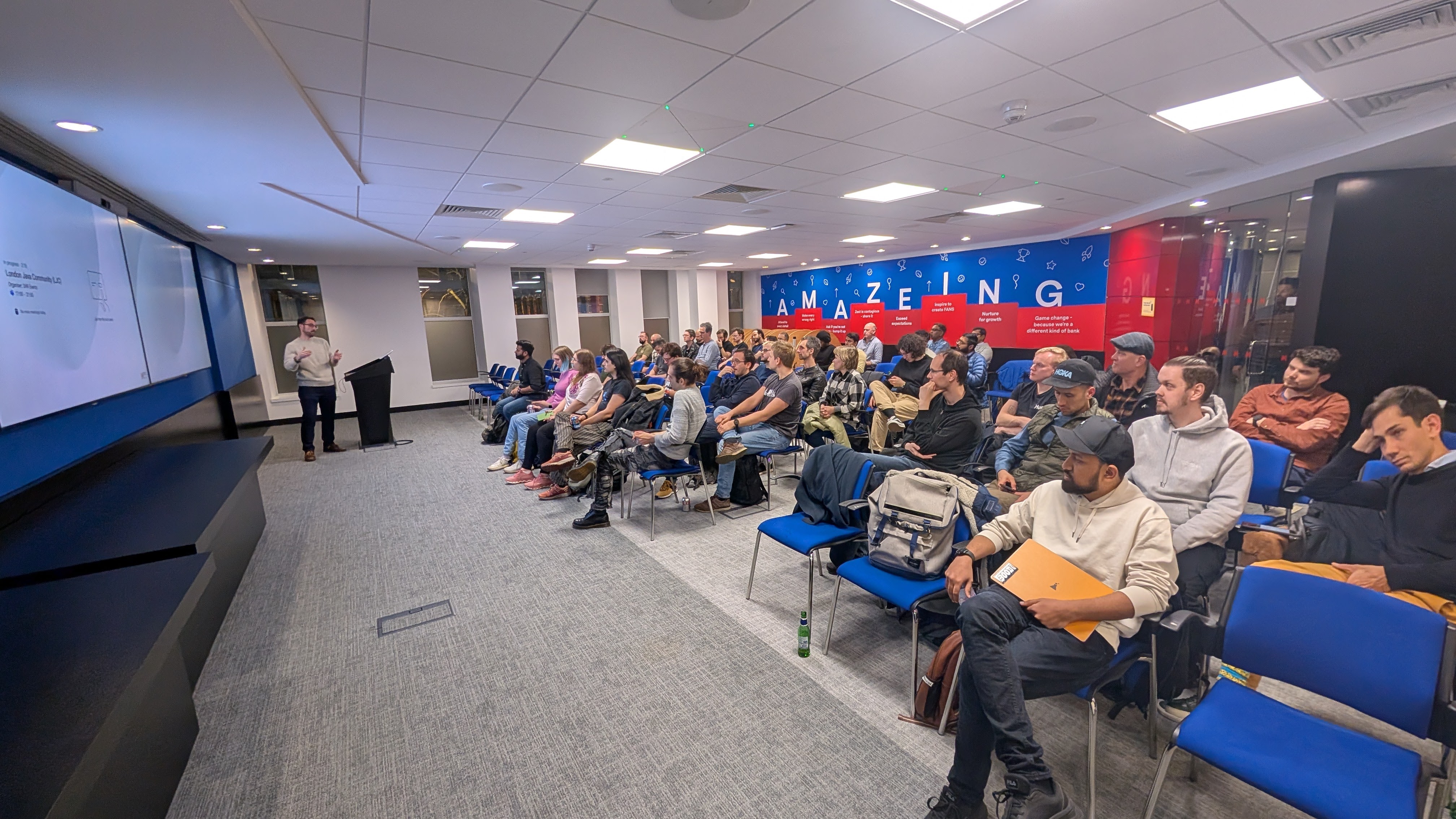
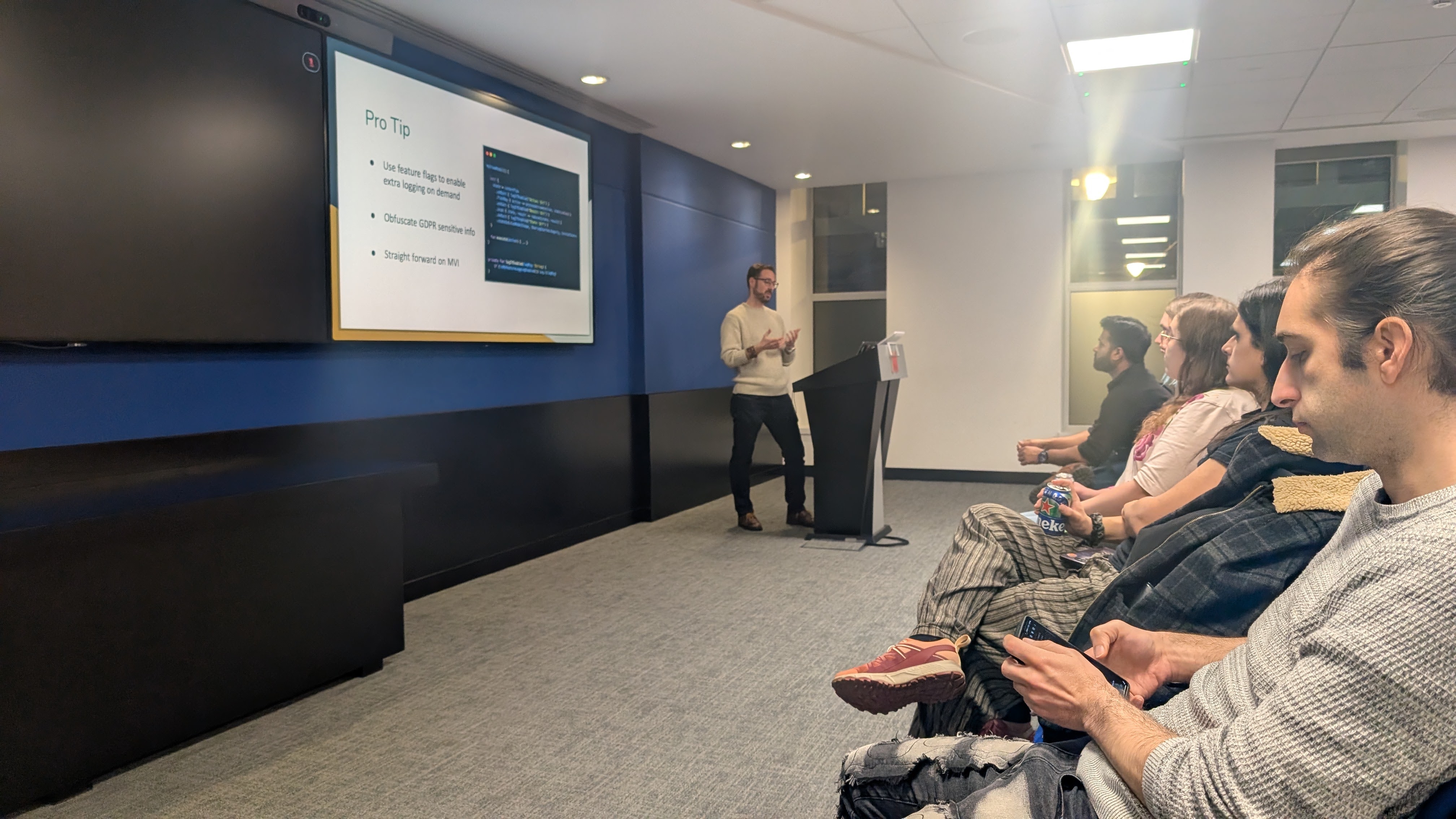
So, what was the talk actually about? Let me break it down.
The Problem
Quick context on StoreLab—the company I work for. We’re a no-code platform that lets Shopify merchants create native iOS and Android apps without writing a single line of code.
One of our key features is a homepage builder: a drag-and-drop tool on our web app that lets merchants customise their app’s landing screen. As they build, they see a live preview of what their homepage will look like. The challenge? That preview needed to match exactly what would render on the final iOS and Android apps.
The traditional approach meant:
- Re-implementing the preview across three platforms
- Inconsistent previews that didn’t match the final apps
- Testing overhead that scaled with every platform
- Release delays as changes needed coordination across teams
We were already using Kotlin Multiplatform to share business logic for our Android and iOS apps, so I proposed rendering the actual mobile UI in the web preview.
The Solution
After exploring several options (including embedding an emulator in the web app—yes, we actually considered that), we landed on Kotlin/WASM2 with Compose Multiplatform3.
This combination let us write UI code once in Kotlin and run it on Android, iOS, and now the web.
Building the Proof of Concept
Our PoC had clear goals:
- Embed Compose in React (our web framework)
- Share state between React and Compose
- Maintain existing behavior and UX
- Ensure browser support across modern browsers
- Validate performance for production use
How It Works
The integration is surprisingly clean. Here’s how we exposed Compose to the web—Kotlin on the left, React on the right:
@JsExport
fun InitializeTasksUi(containerElement: Element) {
    ComposeViewport(containerElement) {
        MaterialTheme {
            TaskListUI()
        }
    }
}
import { InitializeTasksUi } from "./wasm/composeApp";

const composeContainerRef = useRef(null);

useEffect(() => {
    if (composeContainerRef.current) {
        InitializeTasksUi(composeContainerRef.current);
    }
}, []);

return (
    <div className="compose-panel">
        <div ref={composeContainerRef} id="compose-container" />
    </div>
);
The @JsExport annotation makes the Kotlin function callable from JavaScript. We pass a DOM element to Compose, which renders directly into it. React manages the page structure, while Compose handles the complex UI components we migrated from Android.
Try It Out
Easier to show than to describe.
Below is the actual demo I presented at Londroid—React integrated with Compose/WASM running in your browser. React handles the input at the top; Compose renders the task list below. Add a few tasks, scroll around, and if you’re curious, pop open the Network tab to watch the .wasm binaries load.
tipThe demo is also available as a standalone page.
The Migration Journey
Thanks to our modular architecture, we didn’t have to migrate the entire Android project. We scoped it down to just the homepage feature and its dependencies—roughly 8 modules out of 20+.
What Changed
Two dependencies didn’t survive the jump: Hilt became Koin Annotations, and Retrofit became Ktor. We also added expect/actual4 declarations for platform APIs like file system access and shared preferences.
What Stayed the Same
Everything else. Compose UI, ViewModels, state management, business logic—it all migrated intact. The promise of KMP held up when we put it to the test.
Handling Build Variants
One of the trickiest parts was handling build variants in a KMP project. Android has built-in support for flavors and build types, but that doesn’t translate directly to multiplatform.
We needed different resources for different builds—staging vs. release, internal vs. client apps. Our solution was to create a separate Gradle module for each variant combination, with a resources-core module for shared assets.
To avoid manually configuring each module, we built Gradle convention plugins5 that automatically wire variant-specific resources based on gradle.properties. A build-time code generator gave us runtime access to variant info without hardcoding environment checks.
These plugins saved us from copy-pasting Gradle configuration across 20+ modules. When we needed to add a new dependency or change a setting, we changed it in one place.
Publishing Strategy
The Android project is the source of truth for our shared UI code. Here’s how it flows:
- The Android project publishes the homepage module to Private Maven
- The UI Bridge project pulls that module from Maven and compiles it to WASM
- The UI Bridge then publishes the compiled package to Private npm
- The Web app consumes the WASM module from npm
The UI Bridge is more than just a compilation step. It handles JavaScript interop, exposes Kotlin functions to React, and adds web-specific functionality that doesn’t belong in the Android codebase. Think of it as an integration layer that adapts our mobile UI for the browser.
Where It Stands
As of this writing, we haven’t shipped this to production. We hit roadblocks: WASM rendering in Safari was inconsistent, the preview crashed randomly on staging, and debugging WASM in the browser is still painful. Performance was another concern—the initial load was slow and the bundle size was huge—over 40MB.
The work wasn’t wasted. We proved the concept, learned where the edges are, and built infrastructure we’ll use when the ecosystem matures. Sometimes the value of a project is knowing what’s possible—and what isn’t ready yet.
If you’re considering a similar approach, my advice:
- Start with a small, non-critical component
- Invest in build infrastructure early—convention plugins will save you
- Test across browsers from day one, especially Safari
- Measure bundle size and load times before you get too deep
The Slides
Here are my complete slides from the presentation:
Final Thoughts
Giving this talk at Londroid was a milestone for me. The Android and Kotlin community is incredibly supportive—the conversations I had after the talk were just as valuable as giving the presentation itself.
And if you’re thinking about giving a tech talk yourself? Do it. Even if the project you’re presenting didn’t ship. The fear is real, but so is the growth that comes from sharing what you’ve learned—including the failures.
-
Londroid is a London-based Android developer meetup group that hosts regular events featuring talks, workshops, and networking opportunities for Android enthusiasts. ↩
-
Kotlin/WASM compiles Kotlin code directly to WebAssembly, a binary instruction format that runs in modern browsers with near-native performance—no transpilation to JavaScript required. ↩
-
Compose Multiplatform is JetBrains’ declarative UI framework that lets you share UI code across Android, iOS, desktop, and web from a single Kotlin codebase. ↩
-
expect/actualis Kotlin Multiplatform’s mechanism for declaring a common API in shared code (expect) while providing platform-specific implementations (actual) for each target. ↩ -
Convention plugins are reusable Gradle plugins that encapsulate common build configuration, reducing duplication across modules. ↩